Owl




   ,_,
  {o,o}
  /)  )
---"-"--
Owl is a toolkit for writing command-line user interfaces in Elixir.
It provides a convenient interface for:
- colorizing text using tags
- input controls with validation and casting to various data types
- select/multi-select controls, inspired by AUR package managers
- tables
- editing text in the
ELIXIR_EDITOR - wrapping multi-line, colorized data into ASCII boxes
- printing palette colors
- progress bars and spinners, with support for multiple bars/spinners simultaneously
- live updating of multi-line blocks
- capturing
:stdiooutput and printing it above LiveScreen blocks - working with a virtual device that partially implements The Erlang I/O Protocol and does not conflict with live blocks.
- running shell commands and daemons with secure logging and masked secrets
- rendering hyperlinks (OSC 8) in supported terminals
- true-color (24‑bit) ANSI sequences
- word wrapping and truncation utilities for colorized multi-line text
When to use Owl
If you need a full-screen terminal application (think lazygit or htop), check out TermUI, Ratatouille, or ExNcurses. Keep in mind that full-screen TUI development is often harder than it looks — no DevTools, no visual inspector, limited layout primitives — so for complex interfaces a Phoenix LiveView might actually be easier to build and maintain.
Owl serves a different niche. It enhances regular scripts and CLI tools with just enough interactivity: colored output, progress bars, input prompts, tables, and select menus. Your program still runs top-to-bottom, prints to stdout, and exits — Owl just makes that output more informative and user-friendly.
Demo
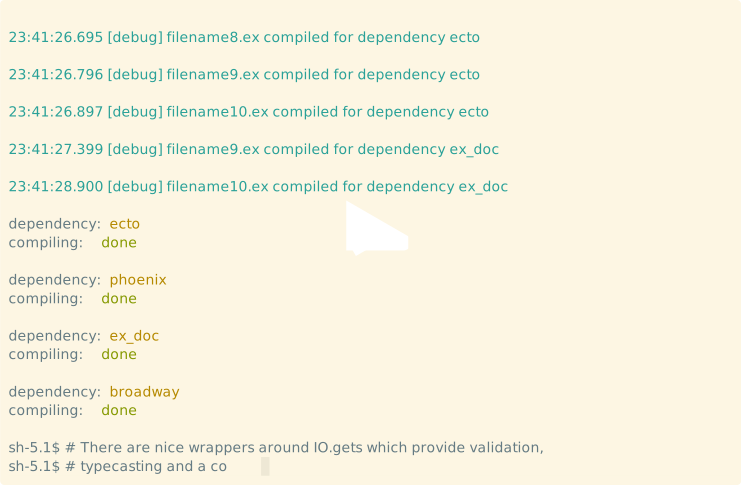
The code can be found in the examples directory.
Installation
The package can be installed by adding owl to your list of dependencies in mix.exs:
def deps do
  [
    {:owl, "~> 0.13"},
    # ucwidth is an optional dependency, uncomment it for multibyte characters support (emoji, etc)
    # {:ucwidth, "~> 0.2"}
  ]
end
Documentation can be found at https://hexdocs.pm/owl.