LcdDisplay


LcdDisplay allows you to control a Hitachi HD44780-compatible
Liquid-crystal display (LCD) in Elixir.
For the specification of the HD44780 LCD, please refer to the HD44780 data sheet.
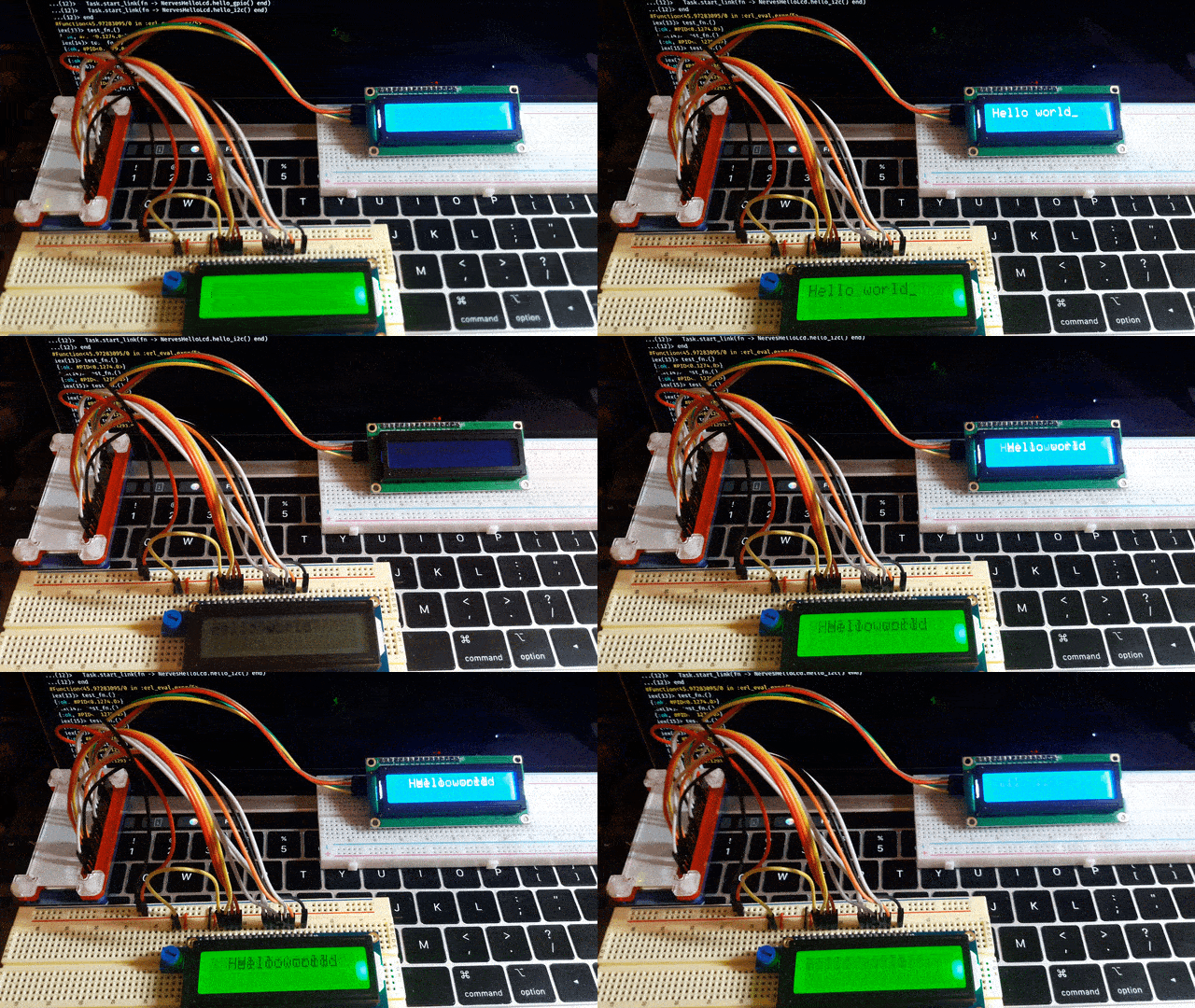
Installation
You can install LcdDisplay by adding lcd_display to your list of dependencies in mix.exs:
def deps do
  [
    {:lcd_display, "~> 0.1.0"}
  ]
end
Usage
As an example, if you want to control a Hitachi HD44780 type display through
the 8-bit I/O expander PCF8574,
you can use LcdDisplay.HD44780.PCF8574 module as a display driver.
Start an LCD driver and get a PID
driver_module = LcdDisplay.HD44780.PCF8574

driver_config = %{
  display_name: "display 1", # the identifier
  i2c_bus: "i2c-1",          # I2C bus name
  i2c_address: 0x27,         # 7-bit address
  rows: 2,                   # the number of display rows
  cols: 16,                  # the number of display columns
  font_size: "5x8"           # "5x10" or "5x8"
}

pid = LcdDisplay.start_display(driver_module, driver_config)
Run commands
Please refer to the LcdDisplay.HD44780.Driver documentation for supported display commands.
LcdDisplay.execute(pid, {:print, "Hello world"})
LcdDisplay.execute(pid, :clear)
Driver modules
Parallel I/O
When you connect an LCD standalone directly to the GPIO pins on your target device, the LcdDisplay.HD44780.GPIO driver module is useful.
Here are some relevant Adafruit products:
- Standard LCD 16x2 - white on blue
- Standard LCD 20x4 - white on blue
- RGB backlight LCD 16x2 - black on RGB
- RGB backlight LCD 16x2 - RGB on black
Serial I/O
When you connect an LCD through an I/O expander, one of the following driver modules can be used.
LcdDisplay.HD44780.PCF8574LcdDisplay.HD44780.MCP23008LcdDisplay.HD44780.MCP23017LcdDisplay.HD44780.SN74HC595
Different products out there use different I/O expanders, so please be aware of which I/O expander you are using if you use something like an I2C backpack. Also the pin assignment between the LCD and the I/O expander is important.
It is easy to make your own driver modules in case you want a custom pin assignment, a different I/O expander or some custom features.
Here are some relevant Adafruit products:
Thanks
ExLCDfor inspiration