exbox

Create boxes in the terminal
Inspired by boxen.
Install
In your mix.exs:
defp deps do
  [
    { :exbox, "~> 1.0.0" }
  ]
end
Then run mix deps.get.
API
ExBox.get(input, [options])
input
Type: String.t
Text inside the box.
options
Type: List.t
border_color
Color of the box border.
Values: :black :red :green :yellow :blue :magenta :cyan :white :gray :grey
background_color
Color of the background.
Values: :black :red :green :yellow :blue :magenta :cyan :white
border_style
Style of the box border.
Default: :single
Values: :single :double :round :single_double :double_single :classic
padding
Space between the text and box border.
Default: 0
Accepts a number or an Keyword List with any of the top, right, bottom, left properties.
When a number is specified, the left/right padding is 3 times the top/bottom to make it look nice.
margin
Space around the box.
Default: 0
Accepts a number or an Keyword List with any of the top, right, bottom, left properties.
When a number is specified, the left/right padding is 3 times the top/bottom to make it look nice.
align
Align the text in the box based on the widest line.
Default: :left
Values: :left :center :right
float
Float the box on the available terminal screen space.
Default: :left
Values: :right :center :left
Examples
Padding:

Padding, border style, and margin:

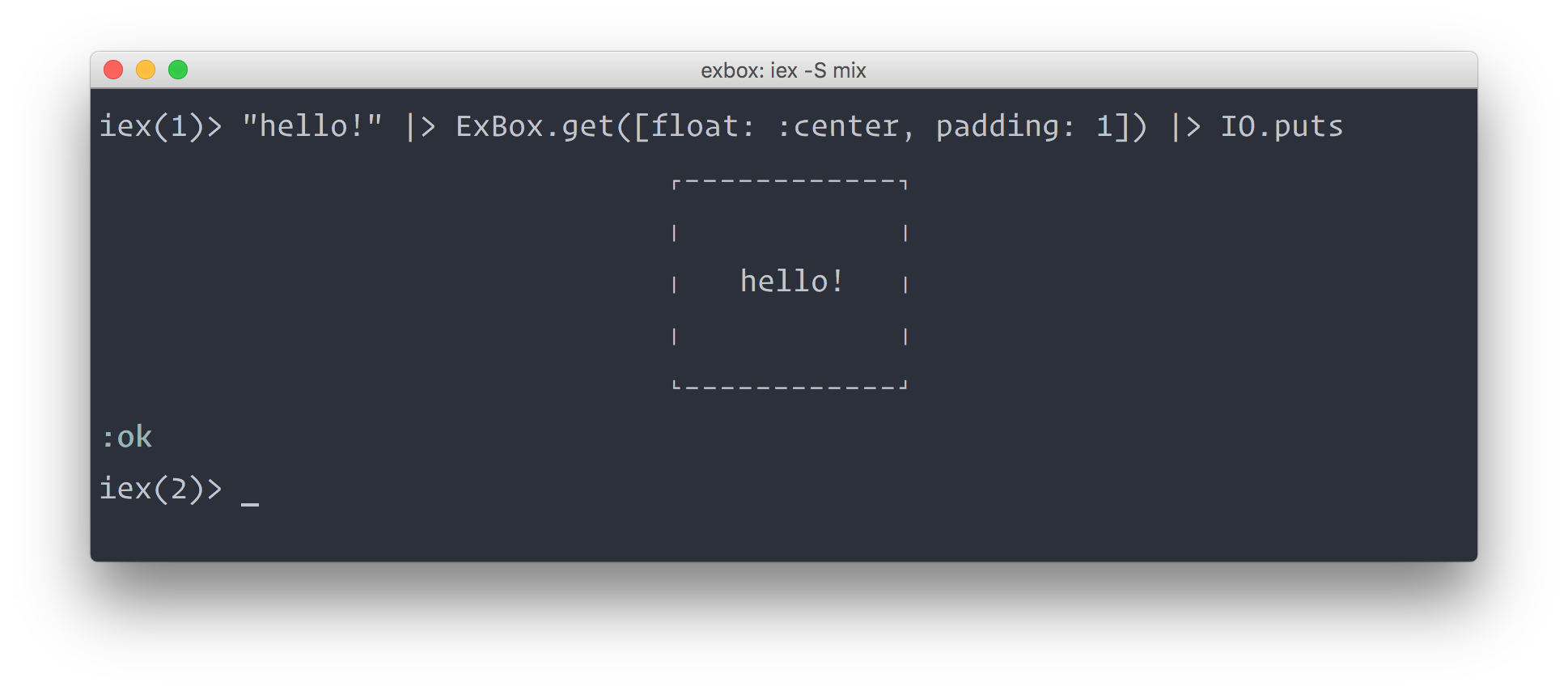
Floating the box to the center:

Coloring text:

ExBox pairs well with ExChalk, which you can use to style text before piping it.
Aligning text:

License
MIT © Juan Soto