Docker Build Clone using Elixir

What's the special thing about this?
This comes with support for Bind Mounts at Build Time
Installation
If available in Hex, the package can be installed
by adding docker_api to your list of dependencies in mix.exs:
def deps do
  [
    {:docker_api, "~> 0.1.0"}
  ]
end
Documentation can be generated with ExDoc and published on HexDocs. Once published, the docs can be found at https://hexdocs.pm/docker_api.
Usage
Example 1 - Elixir Release with Distillery
Clone the following example in a directory you wish
$> mkdir ~/workspace
$> cd workspace
$> git clone https://github.com/sescobb27/elixir-docker-guide
Start a mix session with iex -S mix and type the following instructions
path = Path.expand("~/workspace/elixir-docker-guide")

{:ok, image_id} = Path.join([path, "Dockerfile"]) |>
  ExDockerBuild.DockerfileParser.parse!() |>
  ExDockerBuild.DockerBuild.build(path)
Copy the image_id into your clipboard and run the image with docker like this
docker run d44264c48dad # d44264c48dad being the image_idExample 2 - Docker Build with Bind Mount
in test/fixtures/Dockerfile_bind.dockerfile in line 2 VOLUME /Users/kiro/test:/data
change /Users/kiro/test with your path of preference e.g /Your/User/test
(must be an absolute path, relative paths aren't supported yet)
$> mkdir ~/testpath = Path.expand("./test/fixtures")
{:ok, image_id} = Path.join([path, "Dockerfile_bind.dockerfile"]) |>
ExDockerBuild.DockerfileParser.parse!() |>
ExDockerBuild.DockerBuild.build(path)
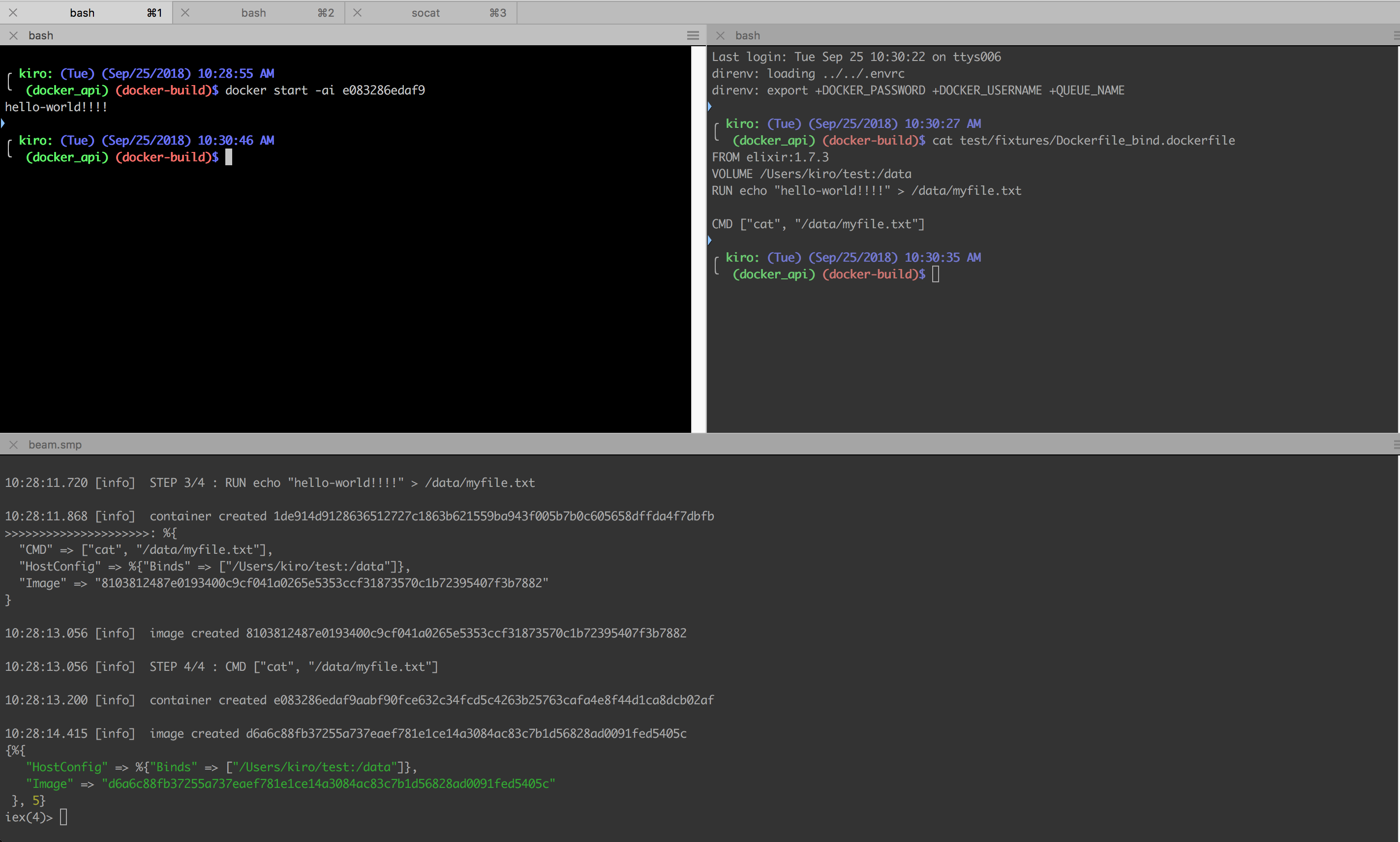
Then if you run ls ~/test you should see a file named myfile.txt with
hello world!!! as content
Limitations
-
Doesn't support relative paths in the container when
COPYingCOPY ./relative/path/to/origin:/absolute/path/to/destination
-
Doesn't support building
VOLUMESonly Bind Mounts
TODO:
- add support for more docker file instructions
- resolve TODOs inside the source code