
 Catppuccin for Gleam





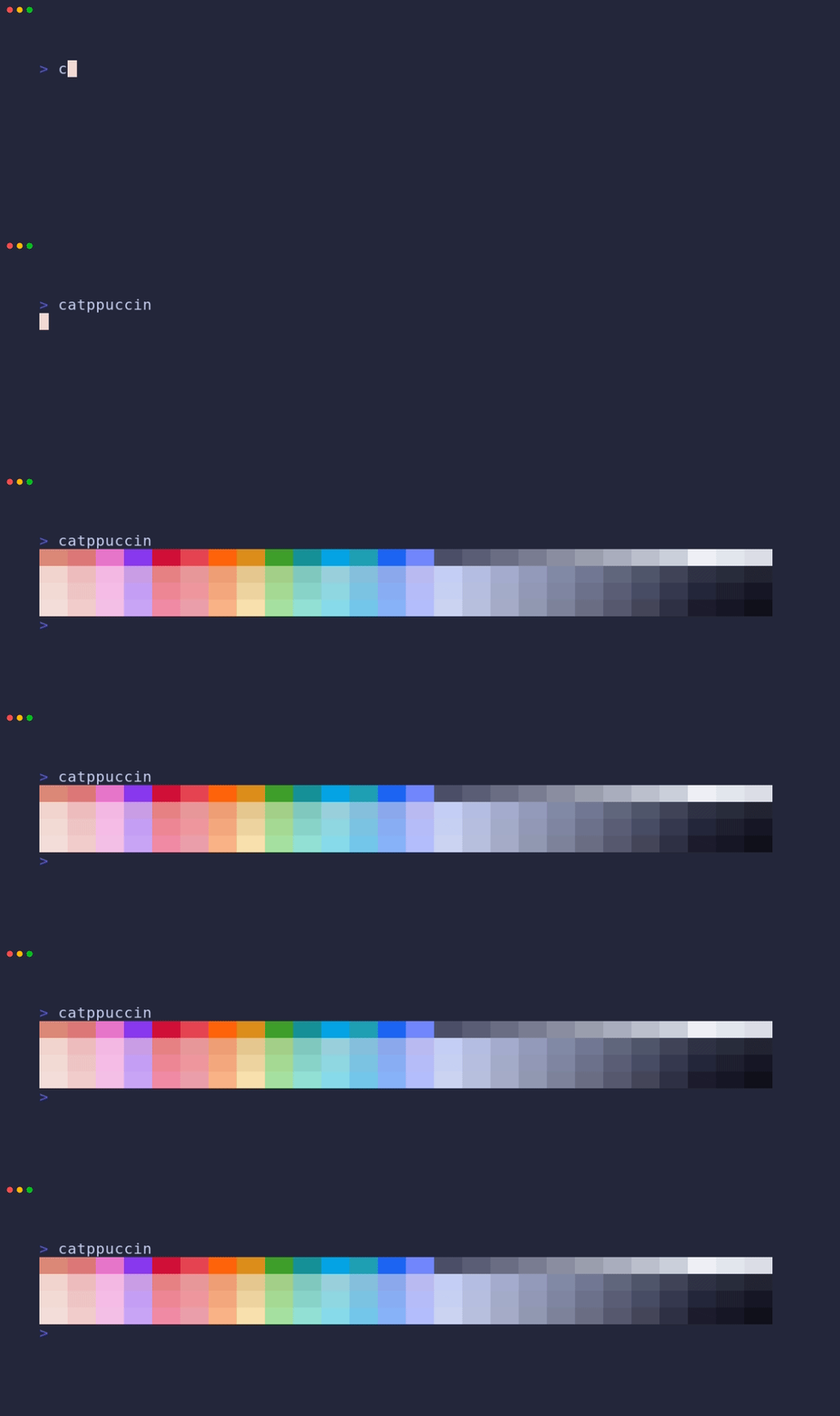
📦 Installation
gleam add catppuccin🚀 Usage
import catppuccin
import gleam/io
import gleam_community/colour

pub fn main() {
  catppuccin.frappe()
  |> catppuccin.flavor_name
  |> io.debug
  // "Frappé"

  catppuccin.macchiato()
  |> catppuccin.subtext1
  |> catppuccin.color_name
  |> io.debug
  // "Subtext 1"

  catppuccin.mocha()
  |> catppuccin.mauve
  |> catppuccin.to_color
  |> colour.to_rgba
  |> io.debug
  // #(0.796078431372549, 0.6509803921568628, 0.9686274509803922, 1.0)

  catppuccin.latte()
  |> catppuccin.mauve
  |> catppuccin.to_color
  |> colour.to_hsla
  |> io.debug
  // #(0.739010989010989, 0.8504672897196262, 0.5803921568627451, 1.0)
}
🙋 FAQ
-
Q: "Where can I find the doc?"
A: Further documentation can be found at https://hexdocs.pm/catppuccin.
🛠️ Development
The project under codegen directory is used to generate the library based on the contents of palette.json.
-
Clone this repository locally
git clone https://github.com/catppuccin/gleam/ -
Cd to the
codegendirectorycd codegen -
Run the project to generate files
gleam run -
Replace the generated files
mv -iv out/catppuccin.gleam ../src/
🏗️ Setting Up CI/CD Release Workflow
Create GitHub Secrets:
- Navigate to the repository's Settings > Secrets > Actions.
-
Under Repository secrets create
HEX_USERNAMEandHEX_PASSWORDwith your hex username and password respectively.
Granting Actions Permissions
- Navigate to the repository's Settings > Actions > General.
- Under Workflow permissions, select Read and write permissions, then click Save.
💝 Thanks to

Copyright © 2021-present Catppuccin Org